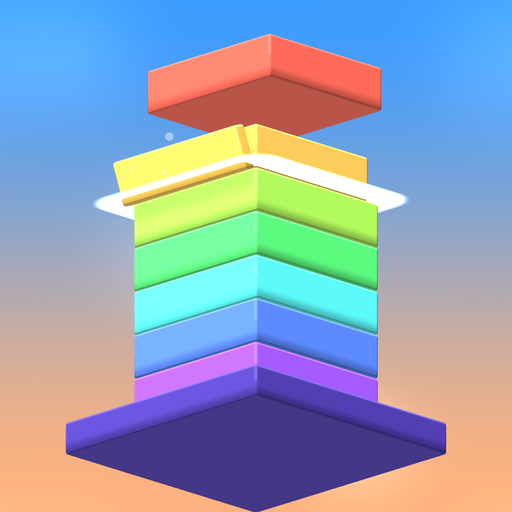
Burj Up: Stack the Tower
Tap to drop, stack perfectly and build the tallest tower. Simple and fun!
Get it onGoogle PlayAbout the game
Blocks slide in from the side: tap to drop each one onto the tower. Whatever hangs over the edge is cut off and tumbles away, so the next block gets smaller. Land a perfect drop to keep the full size, and chain perfect drops into a streak for bonus coins.
- One tap to play: easy to learn, hard to put down
- 7 block styles and 8 color themes to unlock in the shop
- Daily rewards and a weekly tournament
- Plays offline, in 10 languages
Burj Up is free to play. It shows ads and offers optional in-app purchases, including a one-time purchase that removes the banner and the ads between games.
Support
For any problem or suggestion, email athargroupmadinah@gmail.com with the game name and the player ID from your in-game profile.
How do I restore my purchases?
Go to Settings → Restore purchases. Purchases also come back automatically when you reinstall the game with the same Google account.
How does cloud save work?
In Settings → Cloud save, sign in with Google Play Games and your progress (coins, items, purchases, profile) is saved. On a new device, sign in with the same account to get it back.
How do I remove ads?
Tap Remove ads on the main menu. A one-time purchase removes the banner and the ads between games; ads you choose to watch for a reward stay available.
How do I change the language?
Go to Settings → Language. The game starts in your device language when it is available, and offers 10 languages.
How do I contact you?
Email athargroupmadinah@gmail.com and we will get back to you as soon as we can.
Delete your data
- Delete the app to remove its local data.
- Delete your cloud save from Google Play Games settings.
- For anything else (such as your player ID or analytics data), email athargroupmadinah@gmail.com with the game name and your player ID. We delete it within 30 days.